
CHATTERBOX QUILTS’ BLOG
Helping Quilters Learn and Improve

Create New Fabric with Decorative Stitches
If you have a Janome MC9400 or other type of modern sewing machine, you probably have a lot of decorative stitches on it. As quilters we don’t often get to take advantage of these decorative stitches, which is a shame. There are so many decorative stitches to choose from on most machines, and, on some machines, you can also change the orientation of the stitch and adjust the width and length of it. This makes for an almost limitless number of decorative stitches and, if you want to design your own stitches on the Janome MC9400, you can use the included Stitch Composer to do that. Not sure what the Stitch Composer is and how to use it? Not to worry, I’m working on a course to show you all about it and you’ll be the first to be notified when it’s released if you belong to my Chatterbox Quilts’ Facebook group (click here to join if you aren’t already a member).
I really wanted to be able to use some of the decorative stitches on the Janome MC9400 in my quilting and I’ve found a way to do so by creating my own fabric with them.
You can make your own personalized fabric too using the decorative stitches on your sewing machine. You’ll need a few things:
Fabric – a solid colour fabric works best
Fabric Stabilizer – you’ll need one or two sheets of lightweight tearaway or other type of fabric stabilizer
Thread – I used Aurifil Mako 50/2 cotton thread in a colour close to my fabric colour
Sewing machine with decorative stitches, of course
The first thing you need to do is to choose which decorative stitches you want to use on your fabric. I chose ones that were similar in that they stitched out in bars. I didn’t choose any wavy or long stitches, but you can choose any that you like.
Next, you should always stitch out a sample of your chosen stitches on the same fabric, ensuring that you have a fabric stabilizer behind your fabric. This is when you can decide if you want to use the stitch’s default settings or want to make some changes. Be sure to write down the stitch number and any changes that you have made to it on your sample fabric so you’ll easily find these stitches on your sewing machine when you want to create your fabric.

Now comes the fun part! You’re going to make your own fabric! I like to use my walking foot when I stitch, ensuring that the zigzag needle plate is on the sewing machine. With my Janome MC9400, I can either use the standard walking foot (AD Dual Feed foot) that came with the machine or I can use the optional narrow walking foot [VD or AcuFeed Foot with Foot Holder (Single)]. I like to use my walking or even feed foot because it keeps everything stitching along nicely and I can use the edge of my walking foot when I want to stitch the next row. I move my fabric over and align the edge of my walking foot with the line of previous stitches. This gives me the same distance between each row of stitching.
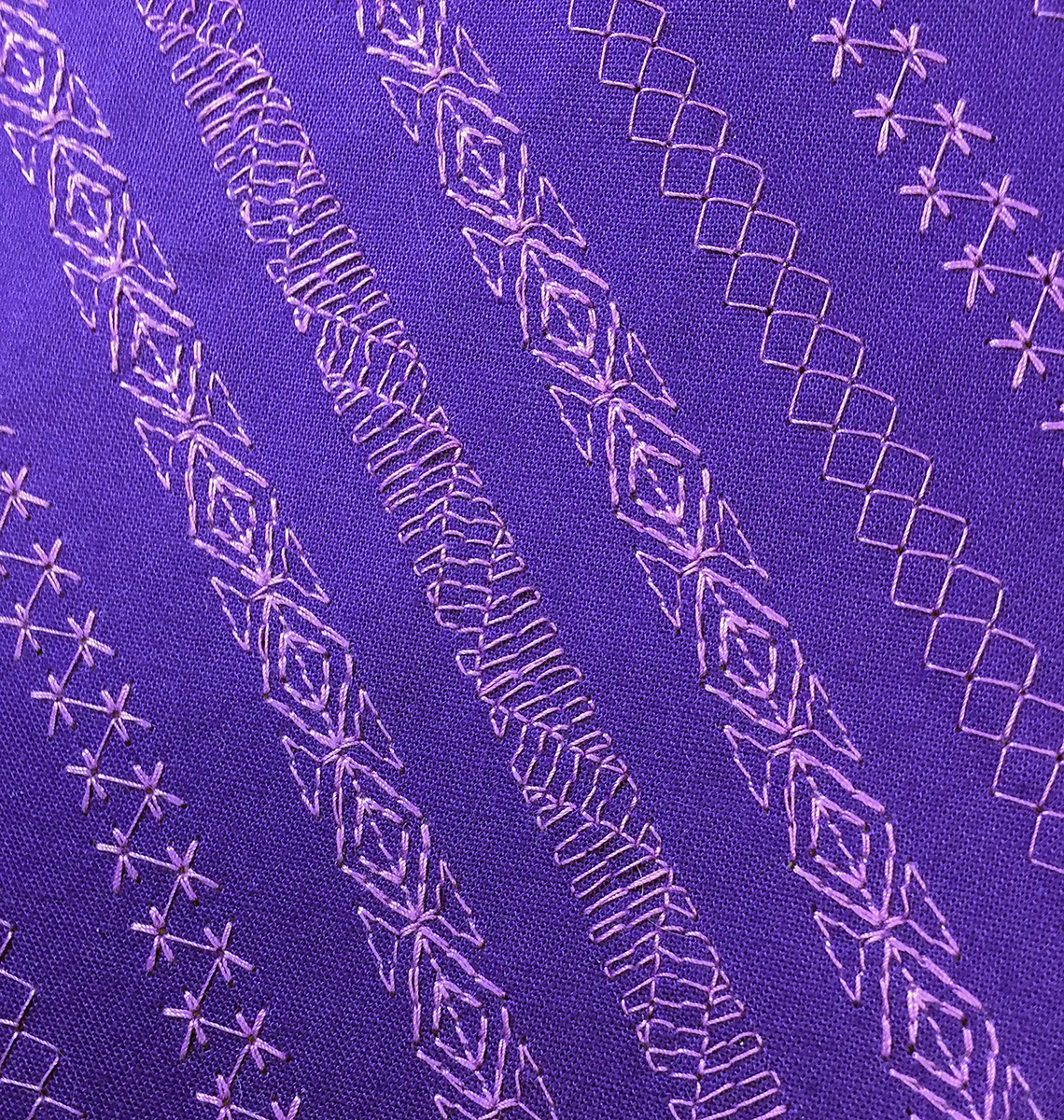
I stitched my decorative stitches on a diagonal for an interesting effect, but you could certainly stitch them in straight rows if you’d like.

For more information on how to use decorative stitches on the Janome MC9400 to create your own fabric, click on the image below.

Wondering when you’d use this created fabric? Why not try it as fabric in your pieced quilt blocks or in tote bags, purses or pouches? The fact that you can personalize this fabric makes it so versatile and so you.
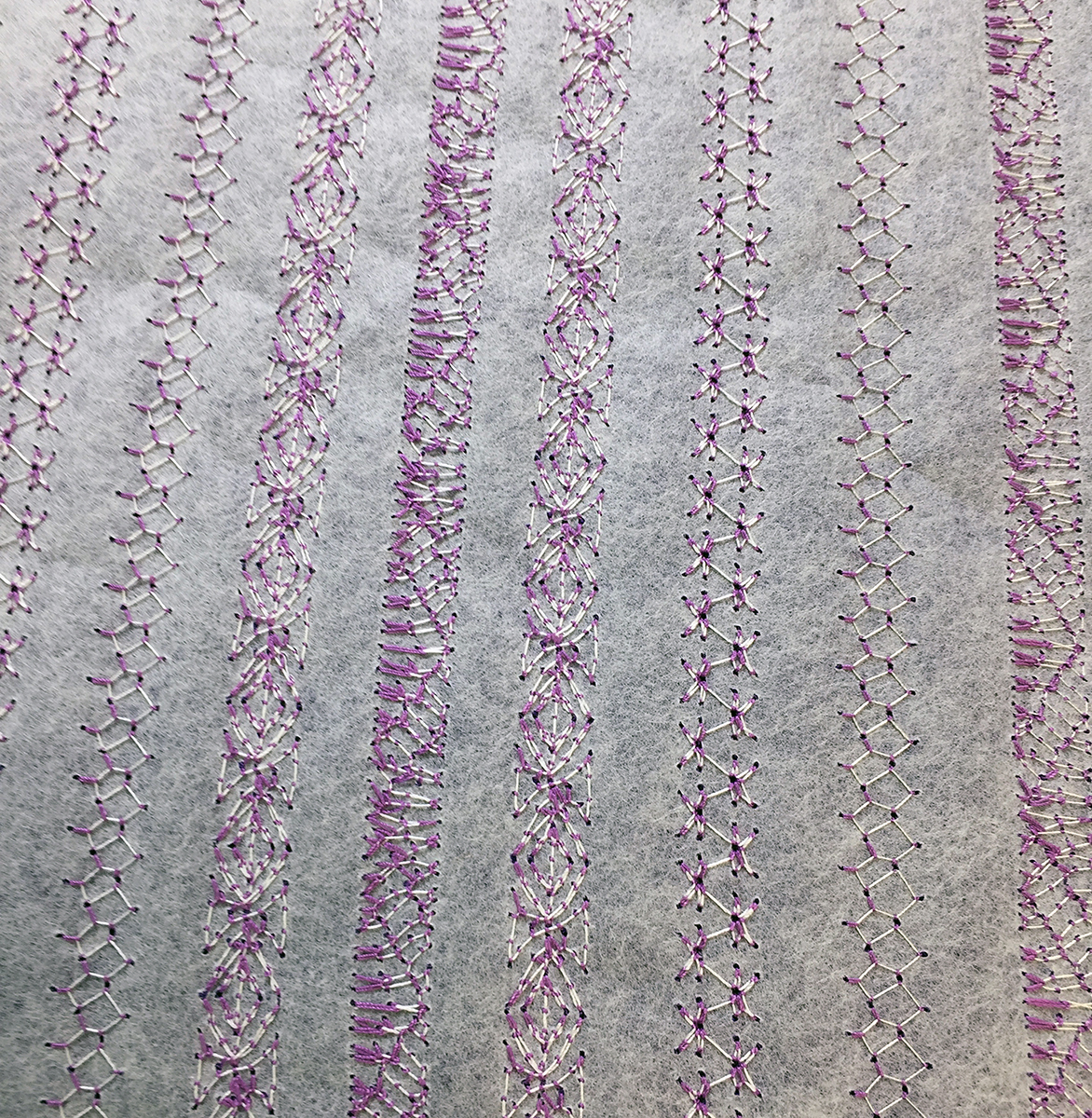
Do you have any ideas on how you might use this fabric created using the decorative stitches on your sewing machine? Post them in the Comments below.
Creatively,

P.S. Do you want to enhance your quilting and become the best quilter you can be? If you answered “yes” to this question, you need to join The Quilter’s Way. The Quilter’s Way is the only quilting membership site that includes both training and an active, supportive online community. Don’t wait another day! Join now.
P.P.S. Did you know that you can sign up to receive emails full of FREE quilting goodness? Click here to receive FREE content directly in your email inbox every few weeks from Chatterbox Quilts. I know you'll be glad you did!

How to Get Accurate Half-Square Triangles
Do you have problems getting accurate half-square triangles? I’ve found a tool that really helps me to get precise half-square triangles. Let me tell you about it.
There are various methods to make a half-square triangle and I’ve tried just about every one – and still wasn’t pleased with the results. I love the look of half-square triangle designs, but didn’t like my results when I used them in my projects. I’ve finally found the perfect tool to give me accurate half-square triangles every time: the Tucker Trimmer.

The Tucker Trimmer by Studio 180 Design is an acrylic tool that comes in several sizes but the one I use the most is the Tucker Trimmer 1. You can make half-square triangles from 1” to 6” with this particular size of the Tucker Trimmer. Since I usually make small half-square triangles, this size works well for me.
The Tucker Trimmers can be used by right and left handed quilters and instructions are given for both. You can make half-square triangles in whole number sizes (1”, 2”, etc.) or in fractions (1½”, 2½”, etc.). I like it when a tool can be used for a variety of sizes as this makes it very practical and eliminates the need for purchasing a tool for every size.
The idea behind the Tucker Trimmers is that you make a half-square triangle a little bit bigger than you want the actual size to be and then you trim it down to the desired size. For example, if I want a 2½” half-square triangle, I might be starting out with one that is 2¾”. Yes, you will be cutting a little bit off each side, but this is how you get that super precise half-square triangle that will make such a difference in your project.
To see exactly how to use the Tucker Trimmer 1, click on the image below.
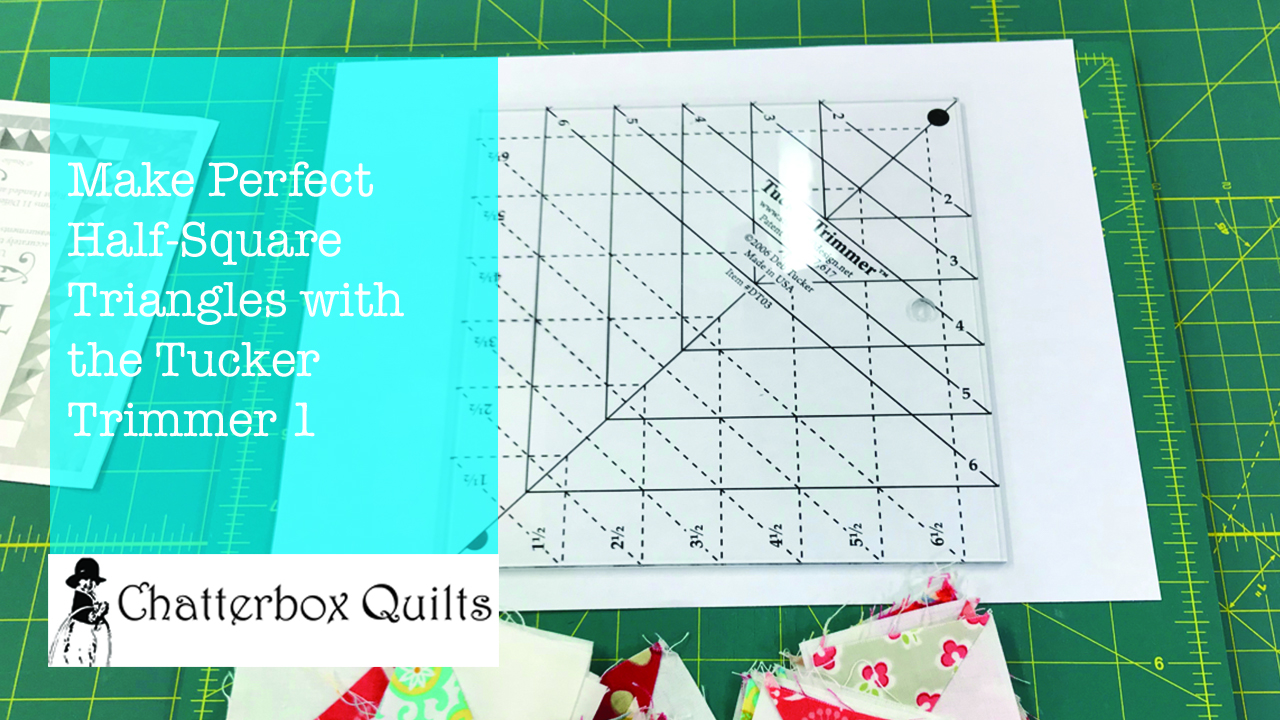
Have you ever used one of the Tucker Trimmers to make your half-square triangles? Let me know your perfect method for creating half-square triangles in the Comments below.
Creatively,

Do you want to enhance your quilting and become the best quilter you can be? If you answered “yes” to this question, you need to join The Quilter’s Way. The Quilter’s Way is the only quilting membership site that includes both training and an active, supportive online community. Don’t wait another day! Join now.
P.S. Did you know that you can sign up to receive emails full of FREE quilting goodness? Click here to receive FREE content directly in your email inbox every few weeks from Chatterbox Quilts. I know you'll be glad you did!

How to Stitch the Same Seam Length Over and Over
There is a feature on the Janome MC9400 that you may not know about: it’s the memorized quilt seaming feature. This feature can be very handy for specific stitching circumstances, such as when stitching partial seams.

If you wanted to use this feature when piecing a quilt top on the Janome MC9400, this is how you would do it.

You would go into the Sewing application (t-shirt icon), choose Patchwork and then Straight Stitch (#1) and stitch a seam. When you had finished stitching, you would notice a message on the display screen asking if you wanted to stitch another seam with the same size. You could click on “OK” and when you next started stitching, the machine would stitch a line of stitching exactly the same length as the one you had just previously stitched. If you didn’t want to stitch a seam the same length, just choose the “X” and you could then stitch any length of seam you wanted.

The memorized quilt seaming feature would be helpful for stitching partial seams in quilt blocks or other situations where you want to repeat the same length of stitching.
Click on the image below to see how to set up and use the memorized quilt seaming feature on the Janome MC9400.

See page 90 in your manual for more information on the memorized quilt seaming feature.
Creatively,

DID YOU KNOW? Enrolment in The Quilter's Way is now open. If you want the solution to your quilting problems and become the best quilter you can be, you need to be a member! Join here.
P.S. Did you know that you can sign up to receive emails full of FREE quilting goodness? Click here to receive FREE content directly in your email inbox every few weeks from Chatterbox Quilts. I know you'll be glad you did!

Book Review - Elegant Embroidery
Another beautiful embroidery book from Reiko Mori.

Image courtesy of Martingale
Elegant Embroidery is full of elegant embroidery designs, as the name implies. These designs use simple embroidery stitches and include projects such as totes, boxes and more. While complete instructions are included for all of the projects in the book, I could certainly see other possibilities for these designs.
The embroidery designs in this book are exquisite, detailed, and oh so appealing!

Image courtesy of Martingale
The book is divided into different sections, grouping similar designs in each section, such as Black Collection, Marine, and Flower. Some of the designs in the book include ballet slippers, a gorgeous evening gown, and even a vintage sewing machine!

Image courtesy of Martingale
Elegant Embroidery also includes a comprehensive section on embroidery stitches with tips for doing hand embroidery. Full instructions on how to make each of the projects in the book, with diagrams, are also included.
For a closer look at Elegant Embroidery, click on the image below.

Get your own copy of Elegant Embroidery here.
Creatively,

P.S. I am an Amazon affiliate and, if you purchase items by clicking through the links in this post ,I will receive a small amount of commission. This helps me to continue creating free content for you. Thanks!

Automatic Presser Foot Lifter Feature on the Janome MC9400
One of the very helpful features on the Janome MC9400 is the automatic presser foot lifter. You can set the machine so that every time you stop stitching, the needle goes down into the fabric and the presser foot automatically lifts up by pressing this button on the display screen. The presser foot will automatically go down again when you start to stitch.
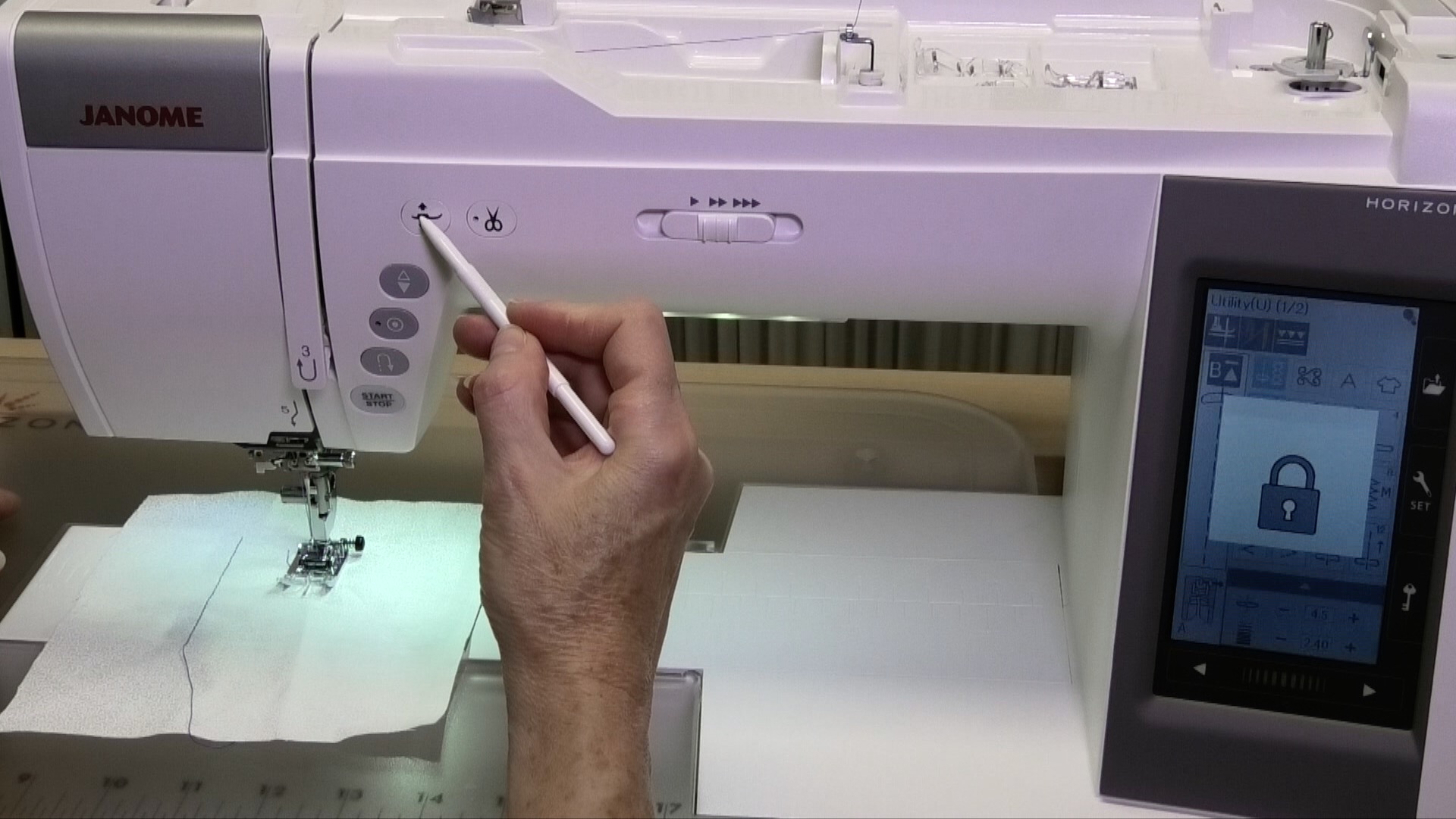
I love these presser foot options on the Janome MC9400, but one thing that I didn’t love was that I often wanted the presser foot to lift higher and it took me a while to figure out how to do this as it isn’t in the machine’s manual.

You can set the height of the presser foot to its highest point in the Settings area, but I want to be able to have the presser foot be set at a regular height and then just be able to push a button to have it raise to the highest height – yes, I’m fussy like that!
Click on the image below to see how you can have the presser foot lift to its highest height on the Janome MC9400, without adjusting the height in the Settings area.

Creatively,

Download the free Get Out of the Ditch! guide to learn how to start free motion quilting by clicking here.
P.S. Did you know that you can sign up to receive FREE emails full of quilting goodness? Just click here to receive FREE content directly in your email inbox every few weeks from Chatterbox Quilts. I know you'll be glad you did!
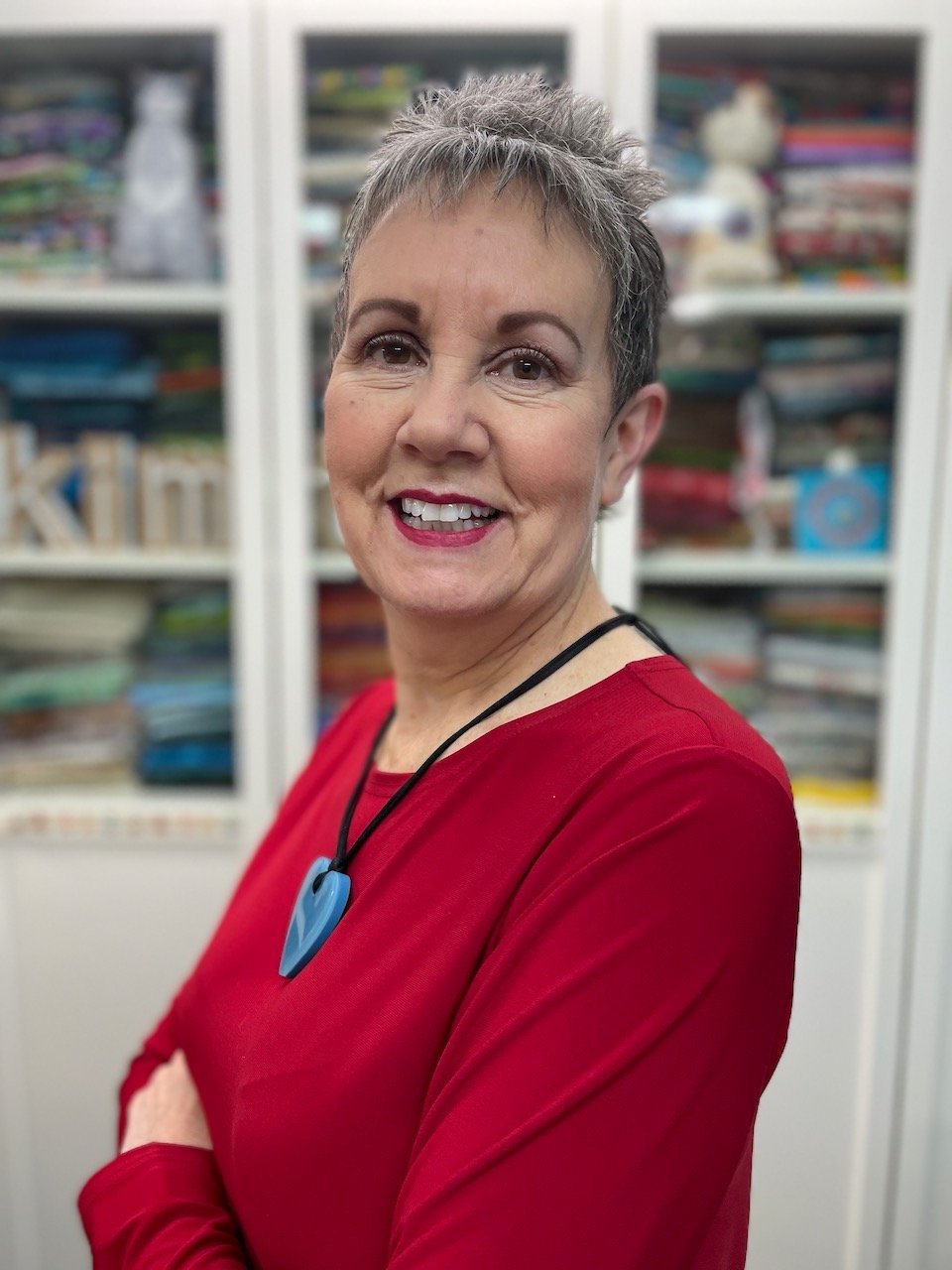
Welcome! I’m Kim Jamieson-Hirst of Chatterbox Quilts, a YouTube creator and host of The Quilter’s Way. I believe that quilting is more than just a 1/4” seam and that practice makes improvement and you are improving every day!
Contact me at kjh@chatterboxquilts.com.





Want to improve your quilting and have fun doing it? Join The Quilter's Way, a private online membership site that creates successful quilters.

Check out my favourite books and tools.
As an Amazon Associate I earn from qualifying purchases from links that you may find on the Chatterbox Quilts’ website.